
Branded Google Stack
Authority and relevance, built on Google’s own platforms — and pointed at your money URLs.
A full set of branded Google properties — hub page, Site, guides, deck, form, map, calendar — built for one service in one locality, and wired to pass authority and relevance to your money URLs.
$99.
The Service
A branded property set, built on Google’s own platforms, for one service in one locality.
A Branded Google Stack is a set of properties we build for your business inside Google’s own ecosystem — a cloud hub page, a Google Site, guides, a slide deck, a coverage sheet, an enquiry form, a calendar, a map and a job listing.
They aren’t decoration. Each one is a document a real business in your neighbourhood would genuinely have a reason to publish — a guide that explains the work, a deck a customer could be shown, a calendar with real dates, a map of the area you actually cover. Their job is to pass authority and relevance to the URLs that make you money: your target page, your Google Business Profile, your website.
We build branded, internally coherent properties from one verified fact sheet, with the link signal concentrated rather than sprayed. Point a stack at a strong local landing page — or at a Branded Mini Website you’ve built with us.
The Branded Google Stack is built inside the business’s own Google account, so it stays theirs. After you order, connecting it takes about five minutes; you can do it yourself or send the link to the business owner.
Why It Works
Why a Google stack moves the needle.
Three reasons, and none of them are the one the industry usually sells you.
01
Trust, on platforms Google already trusts
Google isn’t neutral about its own platforms. A Google Site, a published guide, a Google-hosted page — all start from a position of trust a brand-new page on your domain doesn’t have. On the surfaces that genuinely pass authority, that trust becomes real signal.
02
A clear entity, not a scatter of keywords
Search ranks things, not keywords — businesses, services, places — and it ranks them by how confidently it can identify them. The same business, the same service, the same locality, described the same way across interlinked properties, all from one fact sheet. Nothing contradicts anything else.
03
Real-world relevance, in an actual locality
Anyone can claim to serve a neighbourhood. A stack situates you in one. Real landmarks from your actual coverage area, rendered three ways — a coverage sheet, pins on a branded map, the service area in your structured data. Real dates. A real job listing.
Most Google stacking is backlink spam with a Google logo on it. We build branded properties that look like documents a real business would have — with the link signal concentrated in the few places that genuinely carry it.
What’s Engineered In
Six systems doing the actual work.
A stack is only worth what its wiring is worth. These are the six things running underneath every property we build — and what each one is honestly capable of.
Interlinking that’s audited, not assumed
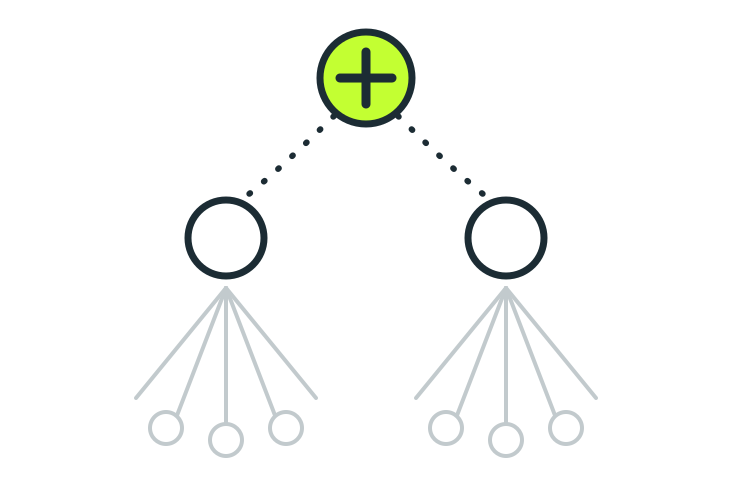
Every link is planned in code, then checked on the live page.
- The link map is computed before anything is built, and only fires when both properties actually exist.
- After publishing, an auditor fetches every page and checks each link — is it there, is it carrying what we expected?
- A clean build log is never proof. The rendered page is the proof.
- Hard limits enforced, not hoped for: one exact-match anchor across the whole Site, two money links out of the hub.
Link signals we actually measured
Half the industry sells Google stacking on a fact that isn’t true.
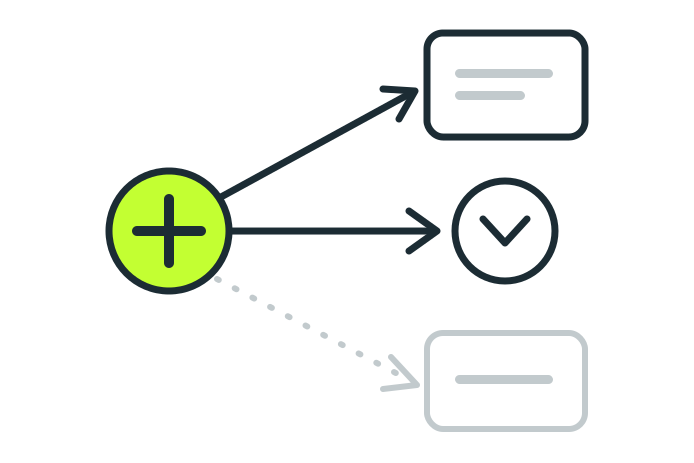
- Google silently rewrites outbound links on published Docs and Slides through a redirect. They pass no link equity.
- So we don’t pretend they do. Docs and Slides carry relevance and entity signal — not authority.
- The surfaces that genuinely pass authority — the hub, the Google Site and the events page — carry the real links.
- Your money URL is placed deliberately and sparingly. Concentrated signal beats diluted signal.
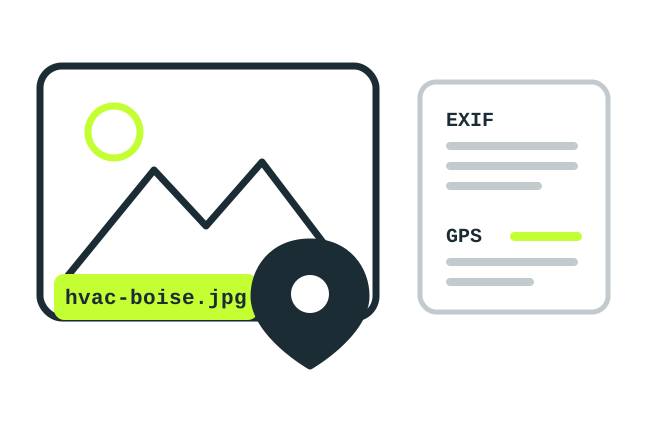
Image SEO on every image we ship
Real filenames, real captions, real metadata — the parts search engines read.
- Every image is named for the service and the place, not image1.jpg.
- Alt text rotates across phrasings, so no two images on a page carry the same caption.
- Caption, keywords, city, region and neighbourhood are written into the file’s own metadata, plus a location tag.
- A Google image sitemap lists every image with its real URL and caption — or ships honestly empty.
Schema where it can genuinely live
Three pages carry structured data. The rest can’t — and we won’t claim otherwise.
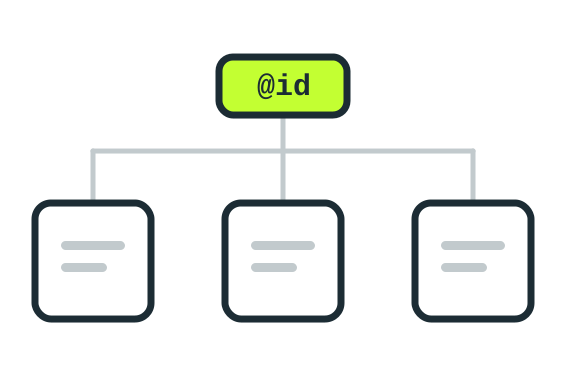
- The hub carries the deep one: service, provider, address, hours, coverage area, reviews, images, offers.
- The events page carries an event list. The job page carries a job posting mirroring its visible text.
- Docs, Slides, Sheets, Forms, Sites and Maps have nowhere to put structured data. That’s a platform limit.
- Your money URL appears in exactly one place in the graph.
SERP term analysis, fetched once, used everywhere
One analysis of what’s actually ranking, woven through the whole stack.
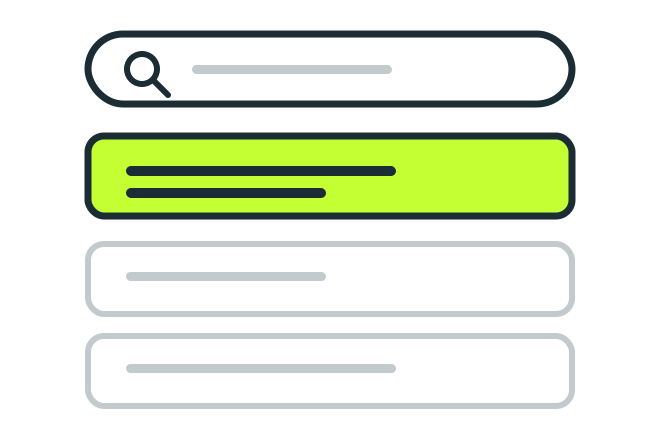
- Before a word is written, we pull the terms the pages already ranking for your service are using.
- That analysis runs at city level, deliberately — a neighbourhood query hits a thin SERP and tells you nothing.
- The same term set feeds the hub, the guides, the deck and the sheet. No property drifts off-topic.
- Woven in as language, not listed. The build explicitly instructs against keyword-stuffing.
Indexing, reported honestly
We report what we submitted and what a check shows, nothing more.
- Google marks its own editor files (Docs, Slides, Sheets, Forms) as not for indexing, so we also publish indexable copies of the guides, the deck and the coverage sheet on our cloud pages.
- The properties that can be indexed run through our indexing process once, over the 14 days of the order.
- Indexing is never guaranteed. Your report shows each property’s live URL and its status.
What Gets Built
Every property, and the reason it exists.
Every property below is built from the same verified fact sheet about your business, so nothing contradicts anything else. Each one is a document a real business in your area would plausibly have — and each one has a specific job in the link and relevance graph.
The cloud hub page
The money page. Everything else points here.
A single branded page on our own cloud storage — hero image, business story, reviews, service list, find-us map. It carries the richest structured data in the stack, and your real target URL, in one place.
Google Site
On Google's own platform — and genuinely dofollow.
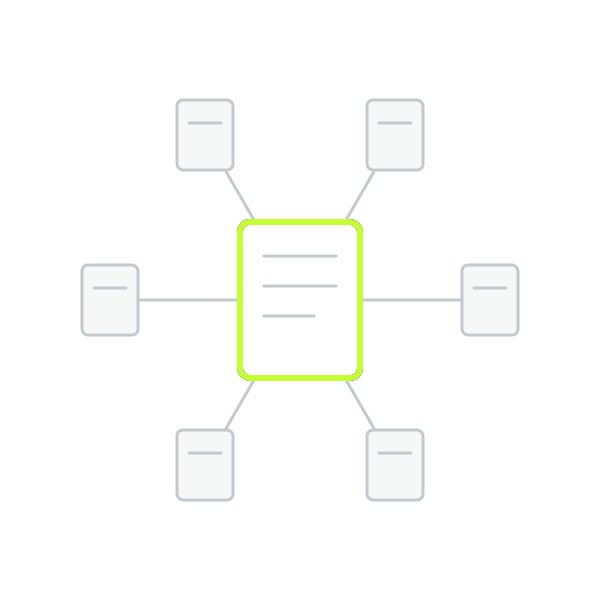
Native, editor-created content, not an iframe. It carries real dofollow links to the hub, the pillar guide and the coverage sheet, and embeds the deck, the map and the form. Zero exact-match anchors, by construction.
Google Docs: a pillar guide and its supporting documents
The relevance engine.
An evergreen pillar guide and its topical supporting documents, published to the web, linked both ways into a closed ring, every one pointing back to the hub. They pass relevance, not equity — Google rewrites published Doc links.
Branded slide deck
A presentation a customer could actually be shown.
Your brand colours and typefaces, bold colour-block slides — not a template with your logo pasted on. Opens with a link to the hub, closes with your details and a QR code to your target URL.
Geo coverage sheet
The area you actually cover, published.
A branded table of the real places and landmarks across your neighbourhood, with a working directions link on every row that has one. The same rows feed the map and your structured data — gathered once, rendered three ways.
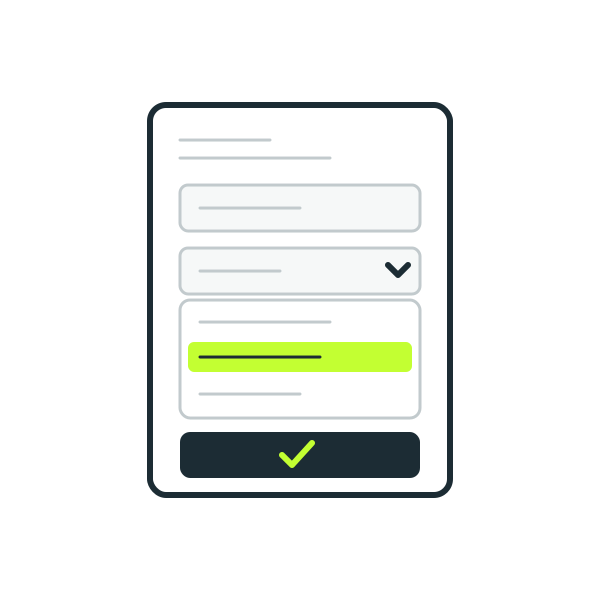
Lead-capture form
A form somebody could genuinely enquire through.
Built and published through Google's Forms API — an explicit publish step most stack builders skip. The service dropdown is populated from your real service list, never invented. Embedded live on the Google Site.
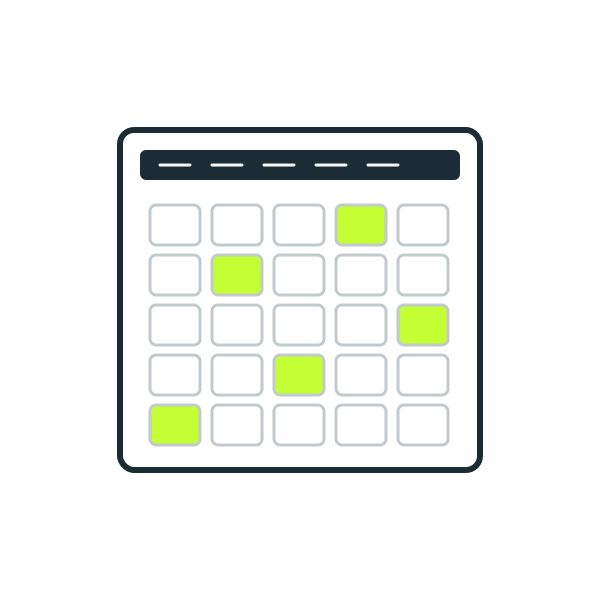
Events calendar
Real dates, on a real calendar.
All-day events on your own primary calendar, titled and dated to match the guides. Deterministic by design: re-running a build updates the same events rather than duplicating them.
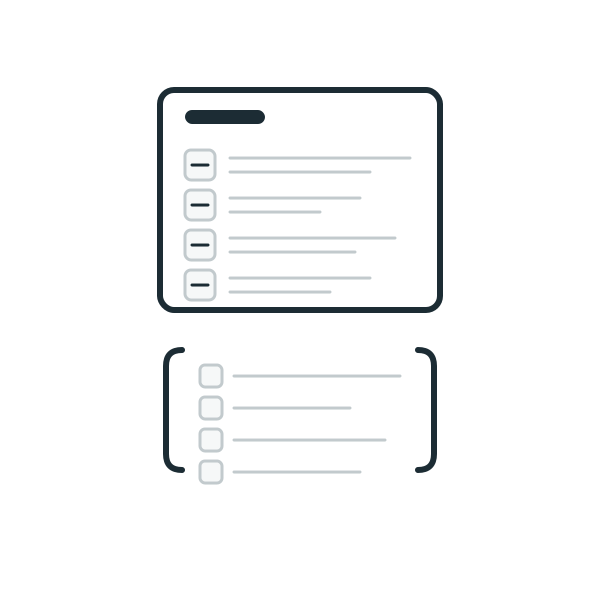
Crawlable events page
A page Google can actually crawl.
A twin page on our own domain mirrors the calendar with proper event structured data. Because it's self-hosted rather than Google-hosted, it's a genuine dofollow surface pointing at the hub.
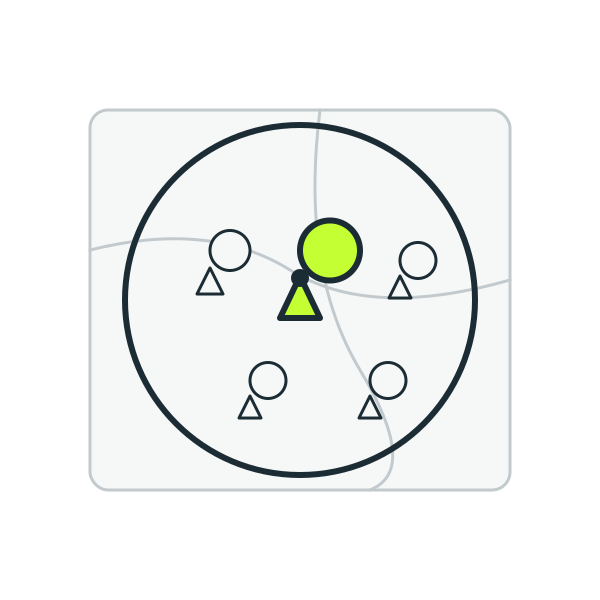
Branded map
Your service area, drawn.
A branded map with your business pin, a pin for every point of interest in the coverage sweep, and a service-area boundary — built from the same data as the sheet. Reused on rebuilds, never orphaned.
Job posting page
An honest listing, in a channel Google sanctions.
A real, low-key, as-needed support role derived from your actual service — not a lure for a job that doesn't exist. It carries job structured data, goes through Google's official Indexing API, and pulls crawlers through the whole stack.
Client resource folder
Everything, in one folder you can open.
A named Drive folder assembling links to every published property, plus copies of your images and saved snapshots of the hub, events and job pages. No SEO role — we won't pretend it has one.
Brand index
The whole thing, in plain English.
A one-page PDF listing every property in language a normal person can read — "landing page", "guides and articles". Not "pillar" or "dofollow". Published to the hub and your Drive folder.
What You Get
Twelve properties, all in the business’s own Google account.
Every item below is built, published and handed over. Nothing on this list is aspirational.

Cloud hub page
The money page. Branded, hosted, carrying the deepest structured data in the stack.

Google Site
A native multi-section site on Google's platform, embedding your deck, map and form.

Pillar guide + supporting documents
An evergreen guide and its topical docs, published, interlinked, ringed back to the hub.

Branded slide deck
Your colours, your typefaces, your details — and a QR code to your target URL.

Geo coverage sheet
A published table of the real places across your neighbourhood, with working directions links.

Lead-capture form
Published properly, with your real service list in the dropdown. Embedded on the Site.

Events calendar
All-day events on your own calendar. A rebuild updates them, never duplicates.

Crawlable events page
A self-hosted twin of the calendar with event schema. A genuine dofollow surface.

Branded map
Your pin, your coverage area, your local landmarks. Drawn, not claimed.

Job posting page
An honest listing with job schema, pushed through Google's sanctioned indexing channel.

Client resource folder
Every property, every image, every snapshot — in one folder you can open.

Brand index
A one-page PDF explaining the whole stack in plain English. No jargon.
What You Get Back
Every property, every link, every status — in one sheet.
No black boxes. Every build comes back as a branded report sheet. Every property, its live URL and its submission status, in one sheet. Checkable by you, line by line.
| Property | URL | Type | Submitted | Submitted at |
|---|---|---|---|---|
| Northgate Plumbing — Fremont, Seattle | /hub/ |
Hub | Submitted | 2026-07-10 |
| Northgate Plumbing | sites.google.com/view/northgate-plumbing |
Google Site | Submitted | 2026-07-10 |
| The Complete Guide to Drain Cleaning in Fremont | /guides/drain-cleaning/ |
Guide | Submitted | 2026-07-10 |
| Northgate Plumbing — Services Overview | docs.google.com/presentation/… |
Slides | Submitted | 2026-07-10 |
| Fremont Coverage Area | docs.google.com/spreadsheets/… |
Sheet | Submitted | 2026-07-10 |
| Request a Plumbing Quote | docs.google.com/forms/… |
Form | Submitted | 2026-07-10 |
| Northgate Plumbing Events | calendar.google.com/… |
Calendar | Submitted | 2026-07-10 |
| Upcoming Events — Northgate Plumbing | /events/ |
Events | Submitted | 2026-07-10 |
| Part-Time Plumbing Assistant — Fremont | /jobs/plumbing-assistant/ |
Job | Submitted | 2026-07-10 |
| Northgate Plumbing — Resources | drive.google.com/… |
Drive | Submitted | 2026-07-10 |
| Northgate Plumbing — Brand Index (PDF) | /brand-index.pdf |
Brand index | Submitted | 2026-07-10 |
An example status readout — Northgate Plumbing, Fremont, Seattle. Every property, itemised.
Questions
Straight answers: FAQ
The basics
What actually is a Branded Google Stack?
A set of branded properties we build for your business inside Google’s own ecosystem — a hub page, a Google Site, guides, a deck, a coverage sheet, a form, a calendar and events page, a map, a job listing, a resource folder and a brand index. All built around one service in one locality, all wired to pass authority and relevance to your money URLs.
Is this the same as a Branded Mini Website?
No. The Mini Website is a full property built to rank in its own right. The Stack is an authority and relevance network built on Google’s own platforms, pointed at whatever URL you choose — including your Mini Website. They work together; neither replaces the other.
Do I need a website for this to work?
You need a target: a website, a landing page, or a Google Business Profile. The stack points at it.
Who it’s for
Who is this for?
Two situations, mainly. If you already have a strong local landing page, this is what a Google Stack is built for — powering up a page that already exists and a Google Business Profile that already exists, so both rank harder for that service in that area. If you’ve got the page and it’s just not moving, this is the lever. And if you’ve built a Branded Mini Website with us, point the stack at it — they were built to be used together.
What if I don’t have a landing page for this service yet?
Then start with the Branded Mini Website, and stack it afterwards. A stack pointed at a weak or nonexistent target has nothing to power up.
The properties
Why these properties and not others?
Because each one is a document a real business would plausibly have, and each one has a job in the link or relevance graph. We investigated and cut the ones that didn’t earn a place.
Are the documents AI-generated?
The facts come from a verified fact sheet built from your real business data. The prose is written around those facts. Nothing about your business is invented, ever.
Will these properties rank on their own?
Some of them can, for branded and long-tail queries. That’s upside, not the pitch. Their job is to pass authority and relevance to your money URLs.
Links and safety
Isn’t Google stacking spam?
Most of it is. Thin documents, stuffed anchors, the same template fired at a hundred businesses. We build branded properties that look like documents a real business would have, with exactly one exact-match anchor across the whole Site and the link signal concentrated where it genuinely carries.
Do links from Google Docs pass link juice?
No, and anyone telling you they do hasn’t checked. Google rewrites published Doc and Slide links through a redirect that strips the equity. Docs and Slides carry relevance and entity signal. The real links live on the surfaces that genuinely pass them.
Is the stack safe? Could it get my site penalised?
Nothing in the build is a link scheme. No PBNs, no purchased links, no blasting. Every property is a branded, honest document on a platform Google runs itself, with the link signal concentrated where it genuinely carries and exactly one exact-match anchor across the whole Site.
Will my stack look identical to another client’s?
No. Anchor text is rotated per build, content is written from your own fact sheet, and no two stacks come out byte-identical. That’s deliberate.
The job posting
Why is there a job listing in an SEO product?
Because it does two jobs at once, and both of them are real. First, it’s a crawl engine — the job page carries a plain link list to every other property in the stack, which pulls crawlers through the whole thing rather than leaving properties sitting undiscovered. Second, a business that is actively hiring for a service in an area is a business that is actively working in that area. That’s a real-world signal, and it’s exactly the kind of signal we want Google associating with you and that locality.
Is the job real?
The listing is real, honest and deliberately low-key — a temporary, as-needed support role for your service in your area. It is not a clickbait lure for a job that doesn’t exist. The structured data mirrors the visible text exactly.
What if someone actually applies?
Then you decide. Interview them, hire them, or turn them down — it’s entirely your call, and it’s your brand’s decision to make. We’d rather be blunt about this than have you find out later: if you’re not comfortable with a live job listing running under your brand, don’t buy this service. The job page isn’t a bolt-on we can quietly remove — it’s load-bearing. It’s how the stack gets crawled and how the locality signal lands.
Indexing
Does everything in the stack get indexed?
Not everything, and by design. Google marks some of its own file types as not for indexing, so we publish indexable copies of the guides, deck and coverage sheet on our cloud pages, and run the properties that can be indexed through our indexing process once. Nothing is guaranteed. Your report shows the real status.
How long does the indexing process take?
It runs over the 14 days of the order, and your day-14 report shows where each property stands.
What happens if a property gets de-indexed?
We can’t promise Google keeps anything indexed. If you want a property submitted again, additional indexing is $2 per URL.
How do I know what happened?
Your report lists every property with its live URL and its status. We say Submitted for what we sent, and Indexed only where a check shows it.
Access and ownership
Whose Google account is this built on?
The business’s own. The business needs its own Google (Gmail) account. After you order, you click Allow on Google’s screen and sign in once. No passwords are shared with anyone. You can do it yourself or send the link to the business owner.
What happens if I stop working with you?
You keep everything. It is your account.
Ordering
How long does a build take?
14 days. Your links go live on day 7 and your report arrives on day 14.
What do you need from me to get started?
Four things: your target URL, your target service keyword, your Google Business Profile URL, and a logo from your website. Then connect the business’s Google account, about five minutes. We do the rest.
Does anything keep running after the build?
Yes, and it’s included. After handover, the job listing and the events refresh every fifteen days, eight times over, at no extra cost.
Can I order more than one?
One stack covers one service in one locality. More services or more neighbourhoods, more stacks.
Do you take orders outside the US?
We take orders from businesses in any country. Some countries take one extra day, and your due date is shown before you pay.
Get Started
One service. One locality. Twelve branded properties pointing at it.
A one-off build in the business’s own Google account. Every link audited on the live page.